Chats and groups
Message anyone one to one, or create groups for your team, your family or a project. Share photos, documents and voice messages, reply to a message, react and pin what matters.
KyaChat is Red Zircon’s messenger, part of the Axinite Intelligence family. Chat one to one or in groups, broadcast to a channel, sort your chats into folders, keep notes in Saved Messages and let bots handle the routine. It runs in any browser and on your phone.
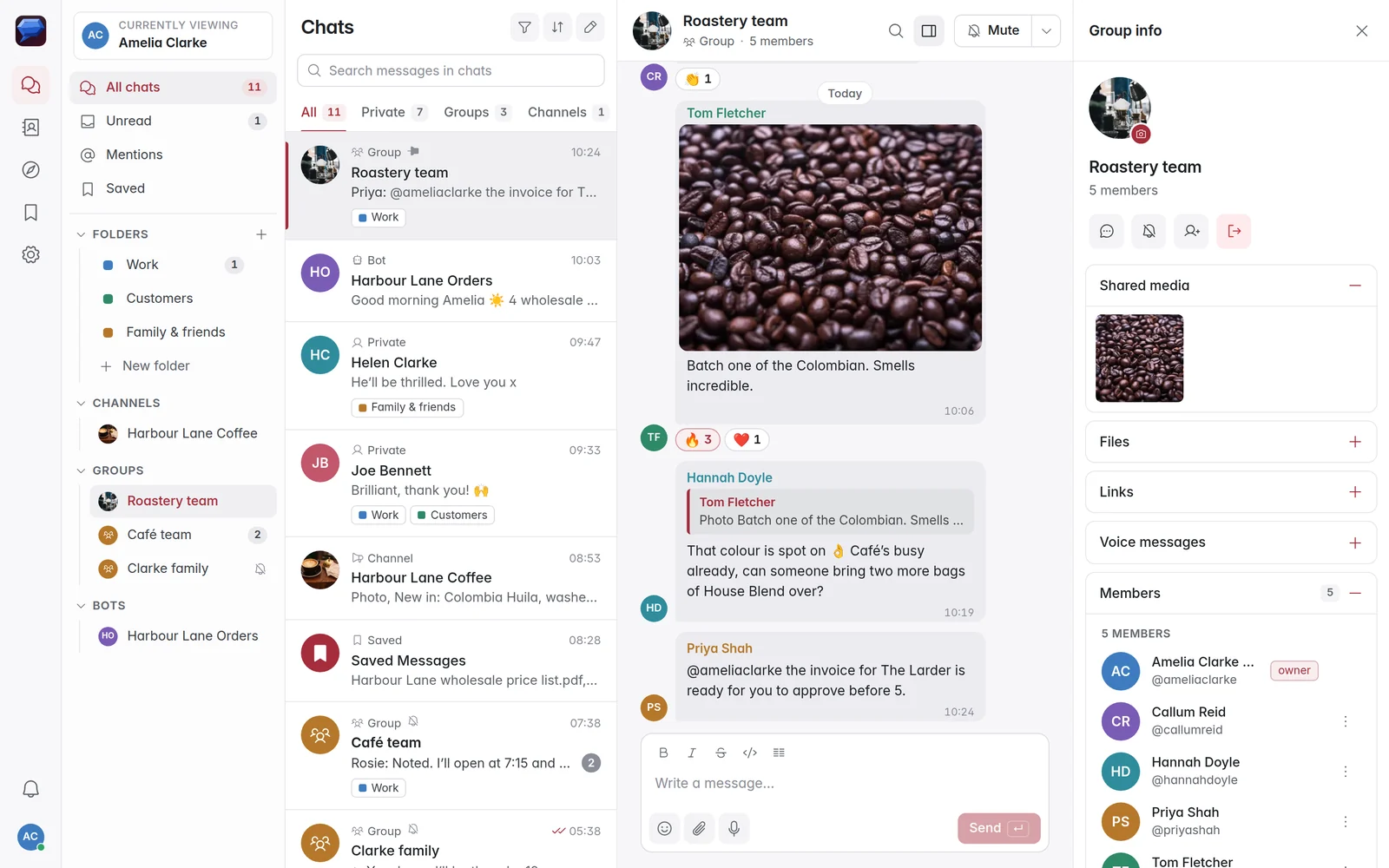
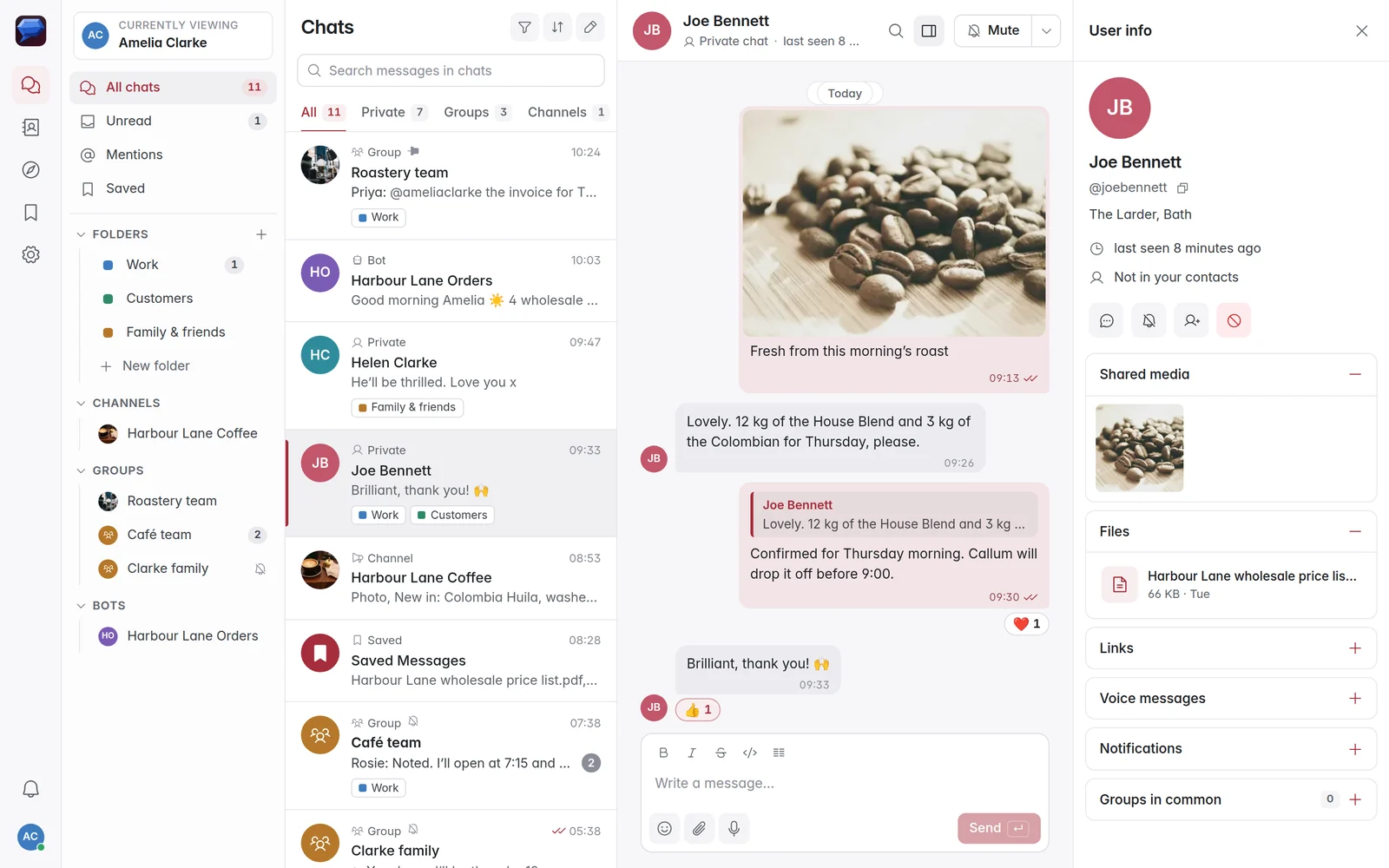
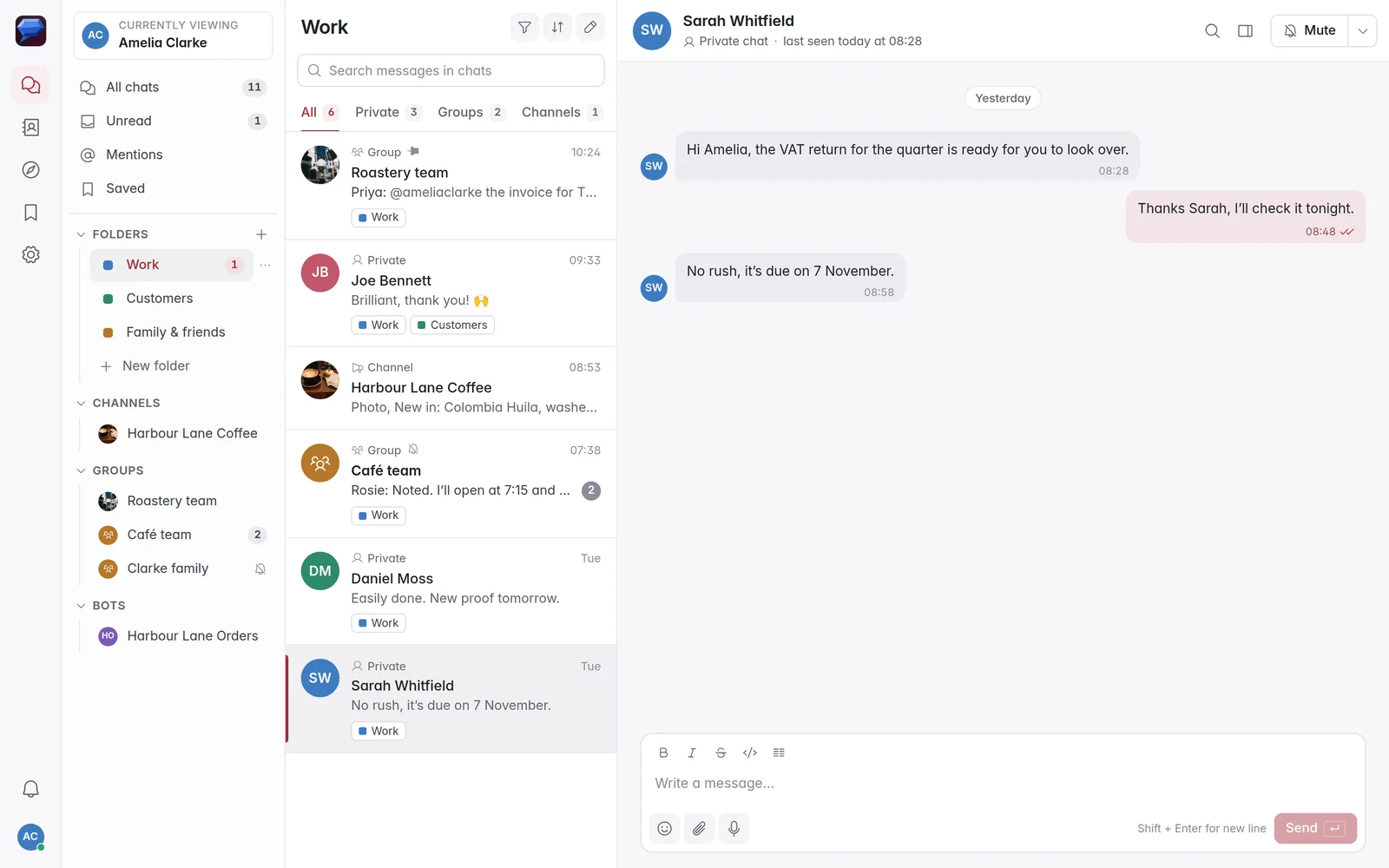
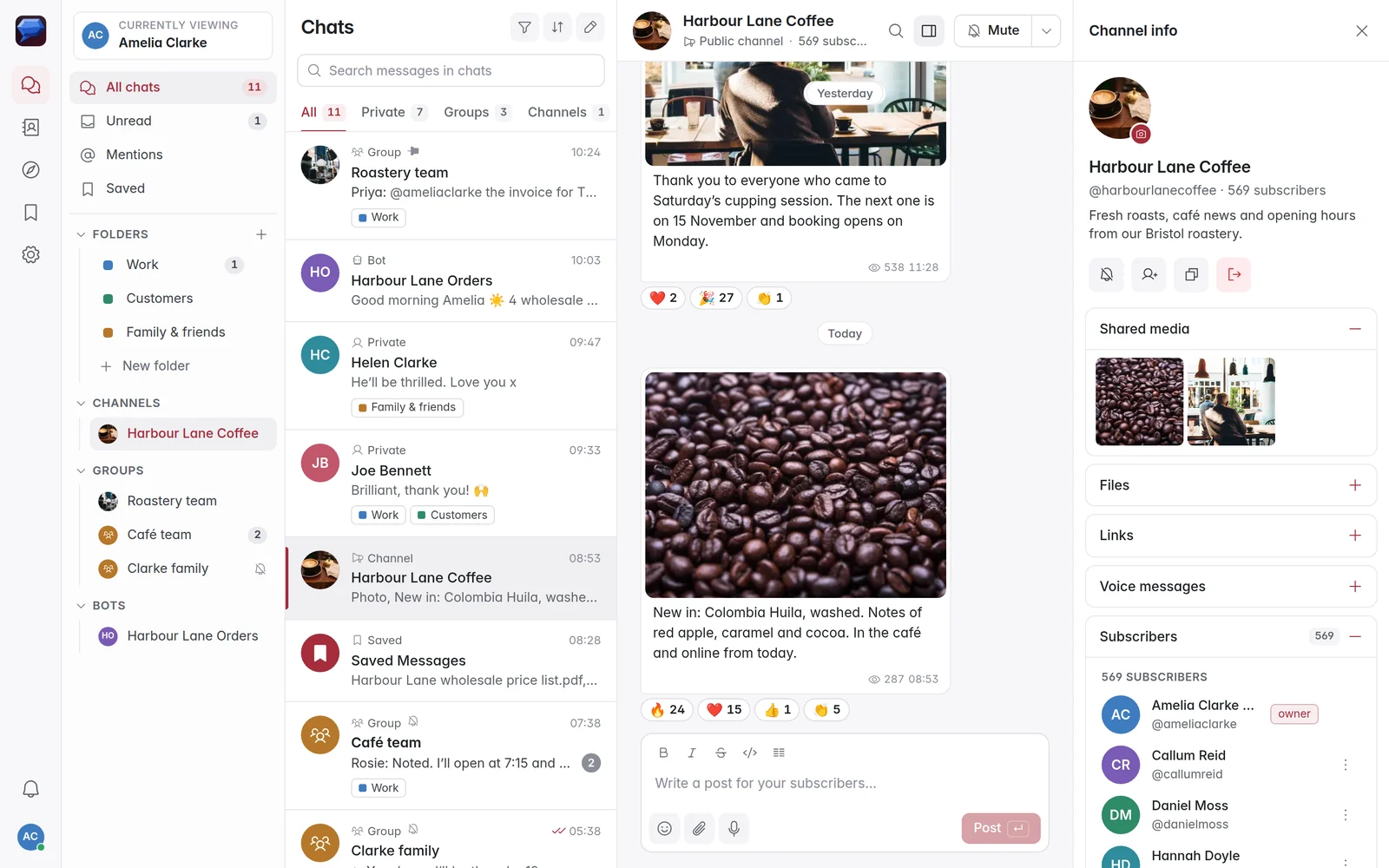
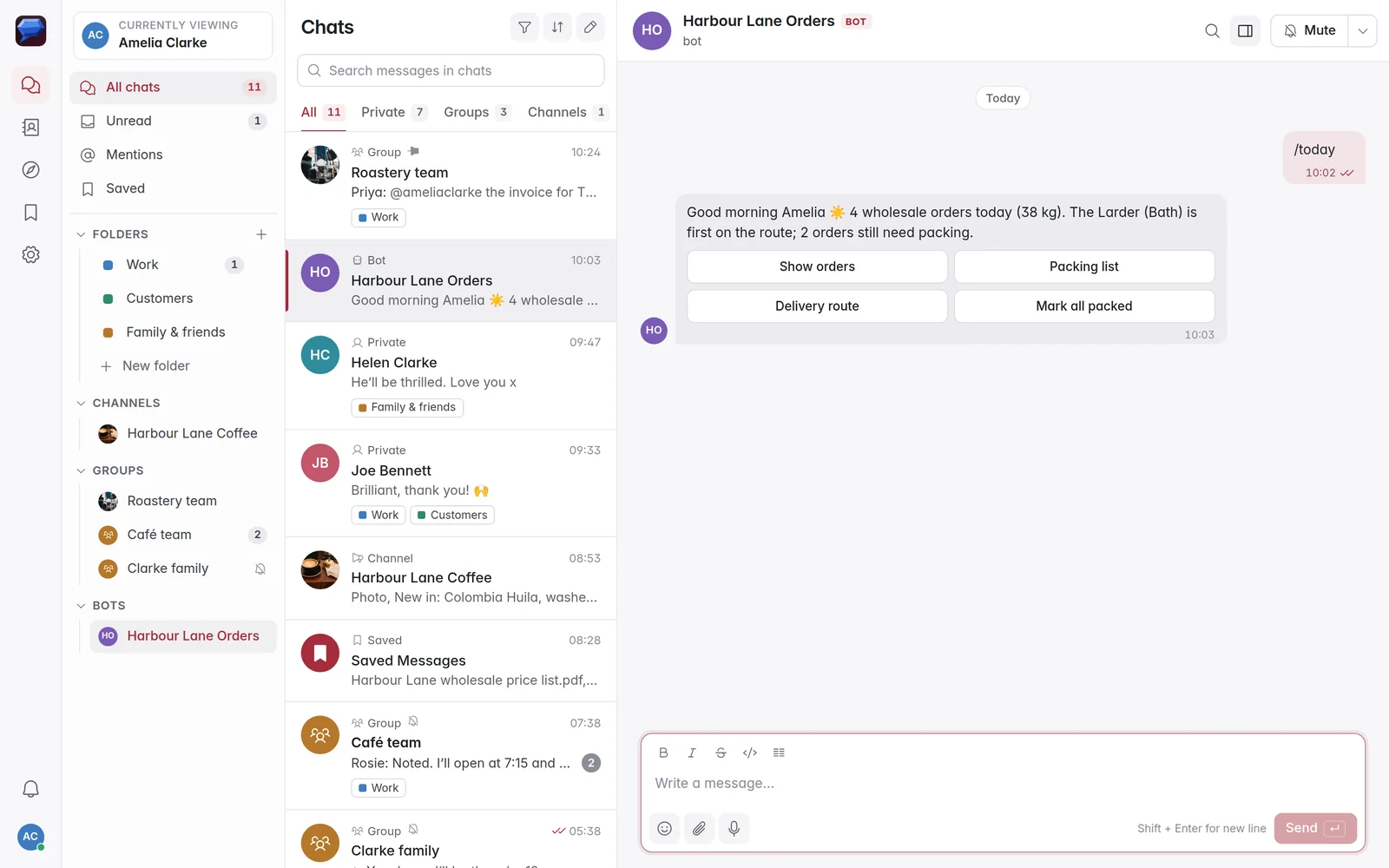
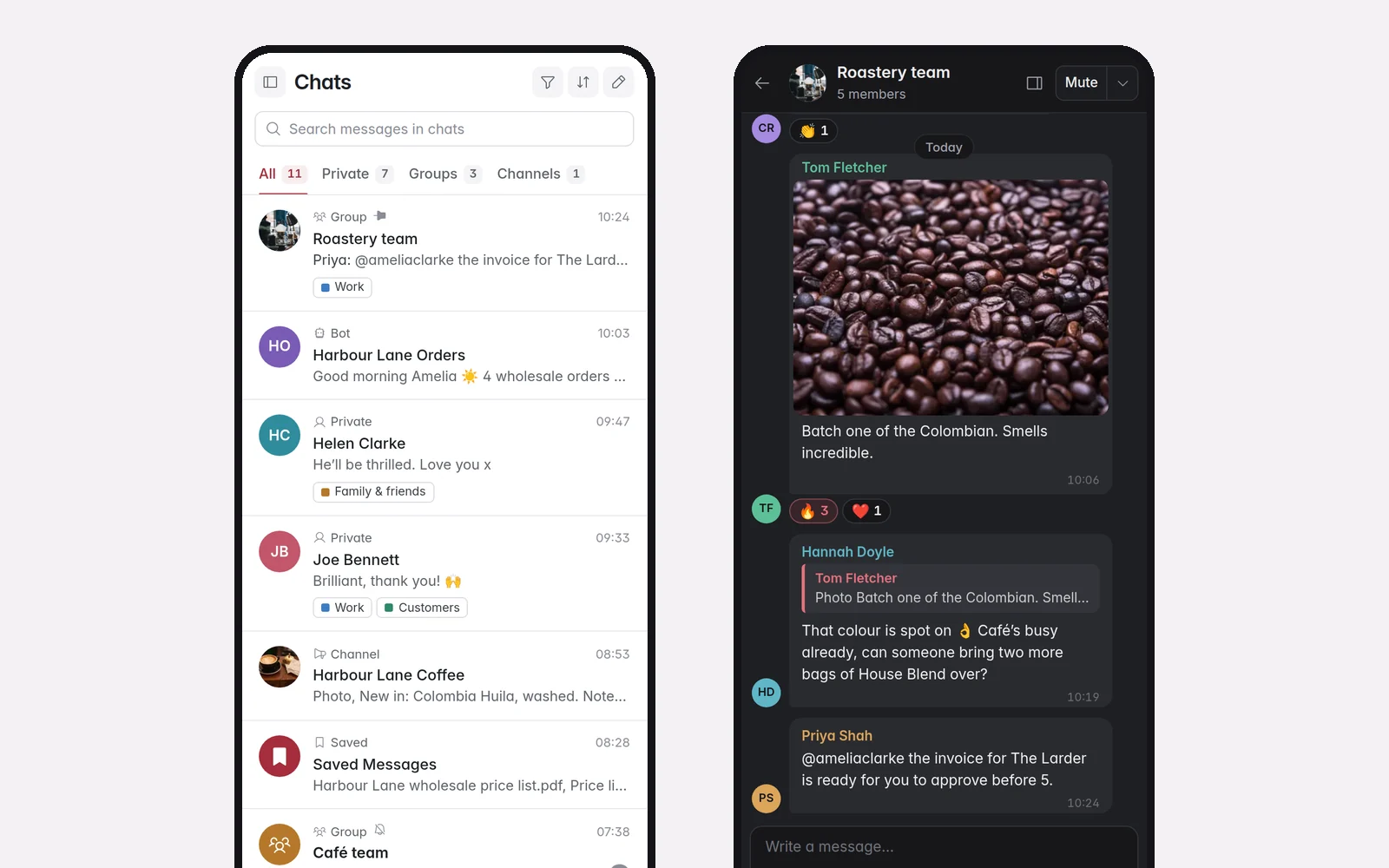
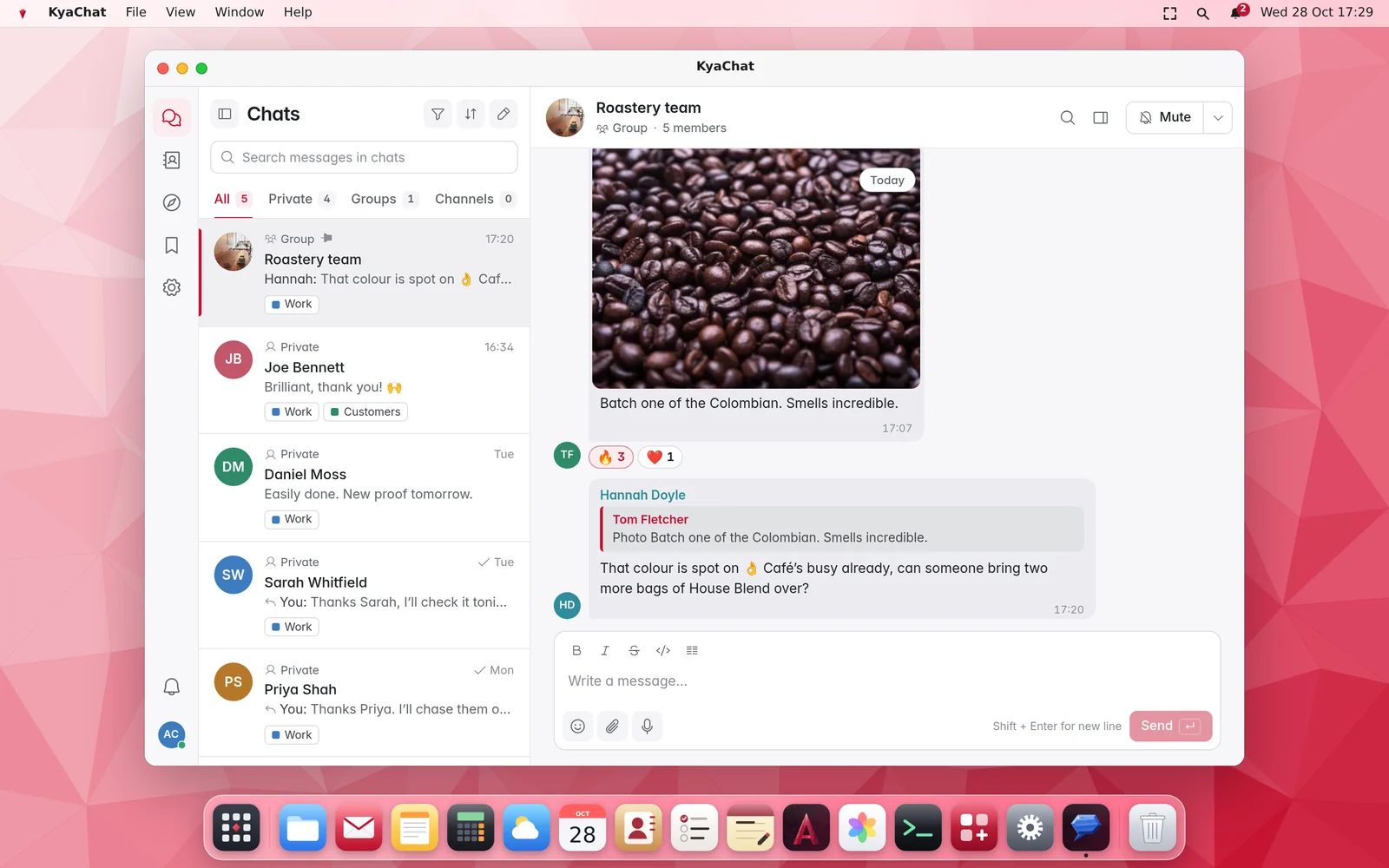
Message anyone one to one, or create groups for your team, your family or a project. Share photos, documents and voice messages, reply to a message, react and pin what matters.
Sort your chats into folders like Work or Family, keep notes, links and files in Saved Messages, and see every message that mentions you in one place.
Publish updates to as many people as you like. Subscribers read and react, and you see how many people viewed each post.
Connect a bot to answer common questions, confirm bookings or send alerts, with buttons people can tap. The Bot API uses plain HTTPS requests and JSON, so any programming language can talk to it.
Use KyaChat in any modern browser, add it to your phone’s home screen and get notifications. Light and dark themes follow your device.
KyaChat takes its name from kyanite, a blue gemstone whose crystals grow in long, clean blades.
Install KyaChat from the ZirconOS App Store and it opens in its own window, signed in with your ZirconOS account.
Go to chat.redzircontech.com, create an account with your email address and start a chat, a group or a channel. Add it to your phone’s home screen for notifications, or install it from the ZirconOS App Store.
Yes. Create an account at chat.redzircontech.com with any email address and start chatting.
No. Any email address works. If you already have a ZirconMail account, you can sign in with it instead.
Yes. Open chat.redzircontech.com in your phone’s browser and add it to your home screen. It works like an app, with notifications.
Yes. Create a bot in KyaChat, then use the Bot API to send messages, buttons and files over plain HTTPS and JSON.
Yes. Install KyaChat from the ZirconOS App Store. It opens in its own window and signs you in with your ZirconOS account.
Only the people in the conversation. Connections are encrypted, and Red Zircon does not sell personal information or use your messages for advertising.
It takes a minute to start. Rolling it out to a whole organisation? We will plan it with you.